
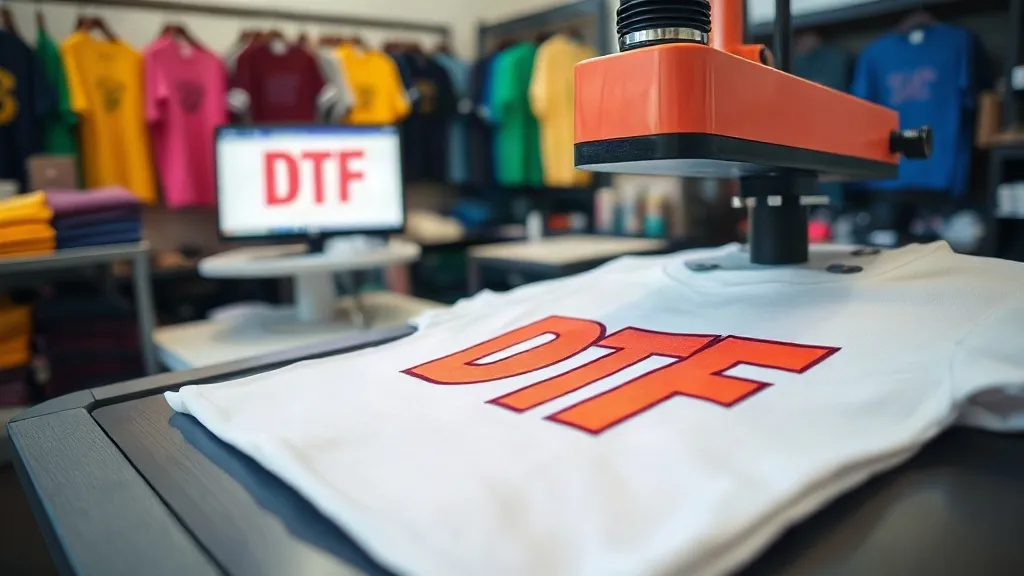
If you run a small print shop, you have probably noticed the growing buzz around dtf transfers. Unlike screen printing or vinyl, DTF (direct-to-film) offers a low-barrier way to produce vibrant, full-color designs on demand, without the setup costs of traditional methods. I have spent the last two years integrating DTF into my own shop’s workflow, and along the way I have learned which practices save time and which ones waste money. This guide shares those lessons, from choosing a supplier to troubleshooting common issues, so you can decide if DTF is right for your business.
What Are DTF Transfers and Why They Matter
DTF transfers are printed on a special film using water-based inks, then dusted with a hot-melt adhesive powder. Once the powder is cured, the transfer is ready to be heat-pressed onto fabrics. The process works on cotton, polyester, blends, and even some synthetics, which makes it more versatile than vinyl or screen printing for mixed-material jobs.
For small shops, the appeal is obvious: no minimum order quantities, no screens to burn, and the ability to print photographic designs with fine details. You can order a single transfer or hundreds, and the per-unit cost drops with volume. This flexibility is ideal for custom apparel, promotional items, and one-off projects that would be unprofitable with other methods.
How DTF Fits into Your Workflow
Integrating DTF into your existing setup requires a few adjustments, but it is less disruptive than adding a new screen-printing press. Here is how I structured my workflow after testing several approaches.
Design Preparation
Start with a high-resolution file, ideally 300 DPI at the final print size. DTF printers handle gradients and fine lines well, but they cannot fix a low-quality image. I always review customer files for pixelation and color mode (RGB is fine; CMYK can shift). Also, remember that DTF prints on a clear film, so white ink is used as a base. This means you do not need to worry about the shirt color affecting the design, but you should account for a slight halo around edges if the transfer is not pressed correctly.
Heat Press Settings
Each transfer supplier provides recommended settings, but you will need to fine-tune based on your press and fabric. As a starting point, I use 325°F (160°C) for 10-15 seconds with medium pressure. Peel the film while it is still warm (within 5 seconds) for best results. For tricky fabrics like nylon, reduce the temperature slightly to avoid scorching. Always do a test press on a scrap piece before running a full order.
Quality Control
After pressing, inspect the transfer for adhesion, cracking, and color vibrancy. A properly pressed DTF transfer should stretch with the fabric without cracking. If you see dull colors, the pressure might be too low or the powder might not have been cured correctly during production. I keep a log of settings for each fabric type to maintain consistency.
Choosing a DTF Transfer Supplier
Not all DTF transfers are created equal. The quality of the film, ink, and powder varies significantly between suppliers, and that directly affects durability and appearance. Here is what I look for when vetting a new supplier.
- Ink quality: Cheap inks fade quickly and may not adhere properly. Look for suppliers that use reputable ink brands and provide color-fastness data.
- Powder application: Uneven powder leads to patchy adhesion. A good supplier uses a controlled powdering process that ensures consistent coverage.
- Film thickness: Thinner films conform better to fabrics and feel softer. However, they can be trickier to handle. Find a balance that suits your typical substrates.
- Turnaround time: If you offer rush services, you need a supplier who can ship quickly. I keep a backup supplier for emergencies.
- Customer service: Responsive support is crucial when you encounter issues. Test their responsiveness with a pre-sales question.
When I searched for dtf transfers near me, I found that local suppliers often provide faster shipping and easier communication, but online options can be more cost-effective for bulk orders. I now split my orders: local for urgent jobs, online for large runs.
Common DTF Mistakes and How to Avoid Them
Even experienced printers run into problems with DTF. Here are the most common issues I have encountered and how to fix them.
Peeling or Cracking After Wash
This usually stems from insufficient pressure or incorrect temperature during pressing. Increase pressure and ensure the press is evenly heated. Also, check that the fabric is clean and dry before pressing. If the problem persists, try a different powder or film from your supplier.
Color Fading
Fading can occur if the transfer is exposed to excessive heat during curing or if low-quality inks are used. Store transfers in a cool, dry place away from direct sunlight. When pressing, avoid over-curing; follow the supplier’s recommendations.
Adhesive Residue on Press
Some transfers leave a sticky residue on the heat press platen. This is often due to excess powder or improper curing. Wipe the platen with a dedicated cleaner after each use, and consider using a protective sheet.
Is DTF Right for Your Shop?
DTF is not a one-size-fits-all solution. It excels for short runs, complex designs, and mixed fabric types, but it may not be cost-effective for large orders of simple one-color designs where screen printing is cheaper per unit. Evaluate your typical order profile: if you frequently handle small batches with detailed artwork, DTF could be a game-changer. If you mostly produce bulk orders of basic logos, you might stick with vinyl or screen printing.
I started with a small DTF printer and now outsource most transfers to a supplier because it frees up my time for design and customer service. The key is to experiment and find the balance that works for your business.
Frequently Asked Questions
How long do DTF transfers last on a shirt?
With proper pressing and care, DTF transfers can last 50+ washes. Wash inside out in cold water and tumble dry low to maximize longevity.
Can I use DTF transfers on dark colors?
Yes, DTF transfers include a white ink base that makes them opaque on dark fabrics. The design will appear vibrant without needing a separate white underbase.
What fabrics work best with DTF?
Cotton, polyester, and blends are ideal. Some synthetics like nylon require lower temperatures, and highly textured fabrics may not provide a smooth surface for adhesion.
Do I need a special printer for DTF?
You can buy dedicated DTF printers or convert an existing inkjet printer with DTF ink and film. However, conversion requires technical know-how and may void warranties. For beginners, outsourcing transfers to a supplier is often more practical.
How do I find a reliable DTF supplier?
Look for suppliers with clear specifications, positive reviews, and responsive customer service. Order samples to test quality before committing to bulk purchases. Local suppliers can be found through industry forums or by searching for dtf transfers near me.